Issue description
This article addresses common connectivity problems including router issues, slow connection, inability to connect, phone or printer not working.
Basic troubleshooting steps
Follow these initial steps to resolve the most common WIFI connection problems:
- Power cycle your router by unplugging it from the power source, waiting approximately 30 seconds, and plugging it back in.
- Wait 10-15 minutes, then try connecting to the EmpowerMe Wifi again.
- Let ITSupport@empowerme.com know if you have further network issues after rebooting the network device(s) onsite. Include the following information in your outreach to them:
- Community Name
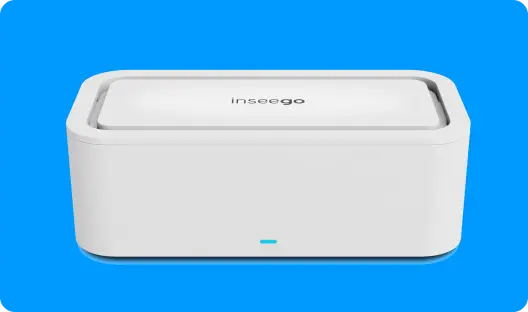
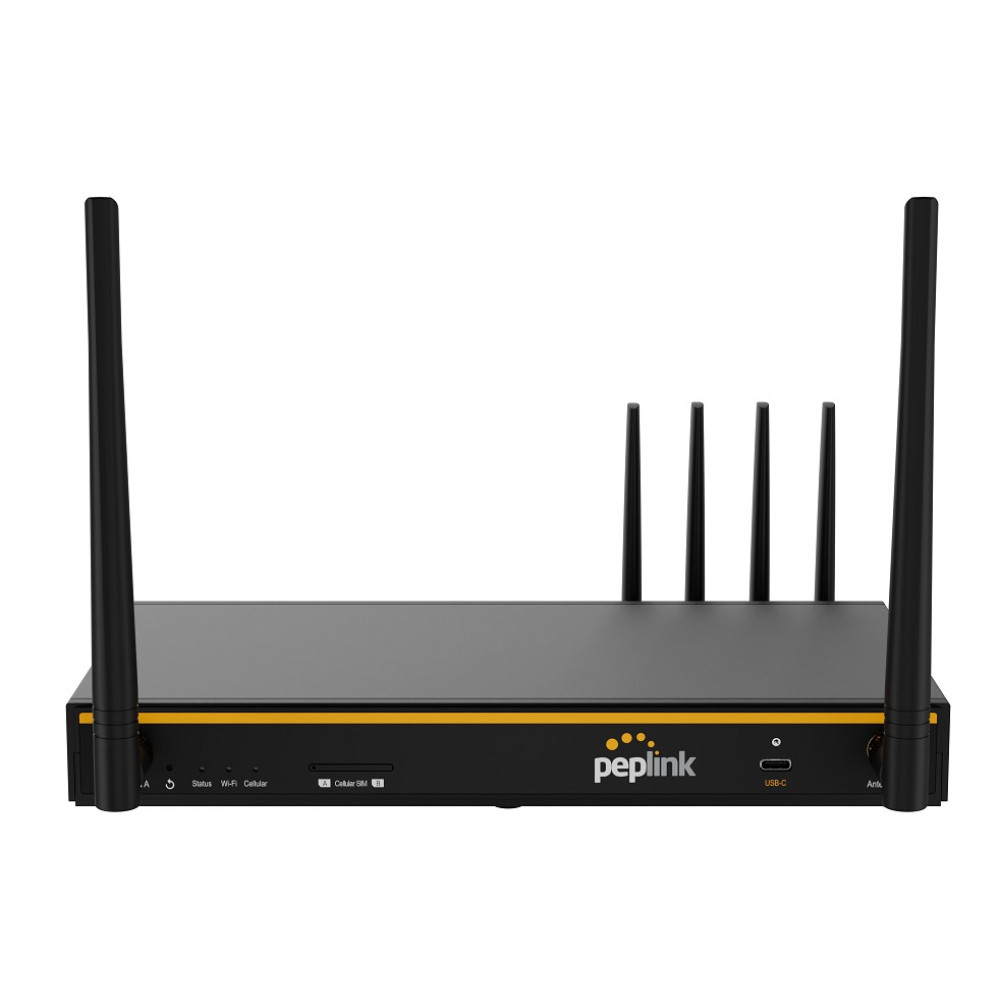
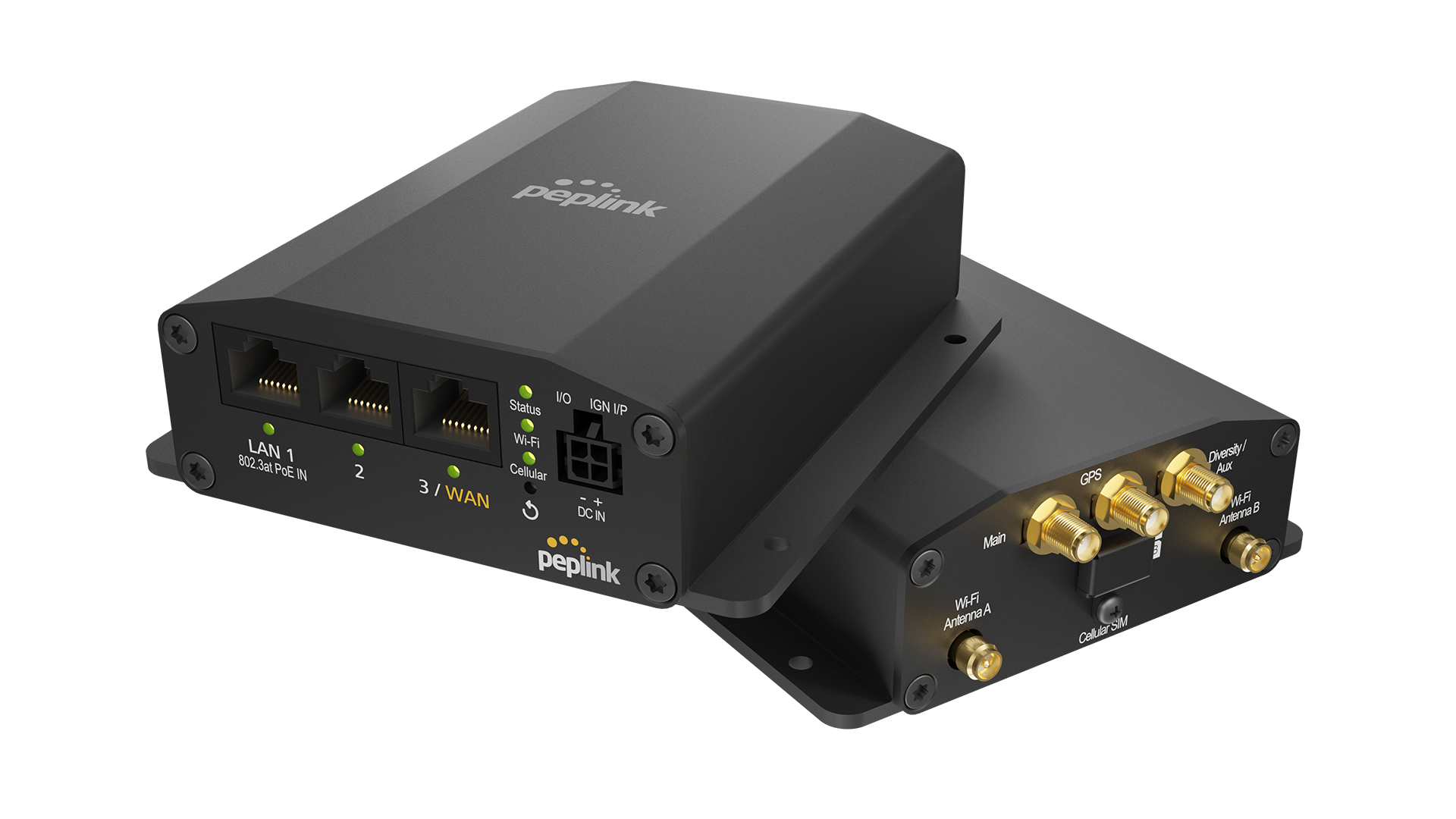
- What network equipment you have onsite, device status lights, and if there is an antenna attached
- The name of your WIFI
- If you have already rebooted the network device(s)
- If it impacts one person or multiple
- If it impacts laptops, iPads, or both. Asset tag numbers of any devices having issues.
Contact support
If the above steps do not resolve your WIFI connectivity issues, please reach out to ITSupport@empowerme.com for personalized assistance. Our team is dedicated to ensuring your technology supports your needs seamlessly.
If the wifi is not EMW-WIFI or ONRehab and your community has never had EMW-WIFI, please reach out to your ADO so they can submit a ticket requesting EMW-WIFI for the community.
If you have EMW-WIFI you will have one of these devices:
|
 |
 |
 |
If you have ONRRehab you will have one of these devices. The password to the wifi should be onrules1

|
 |
|